


 Added to your cart
 0
0
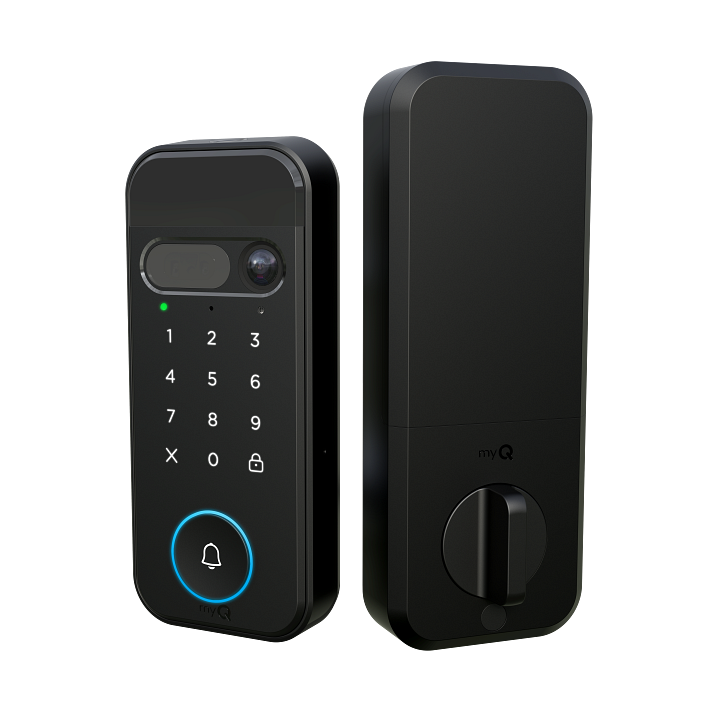
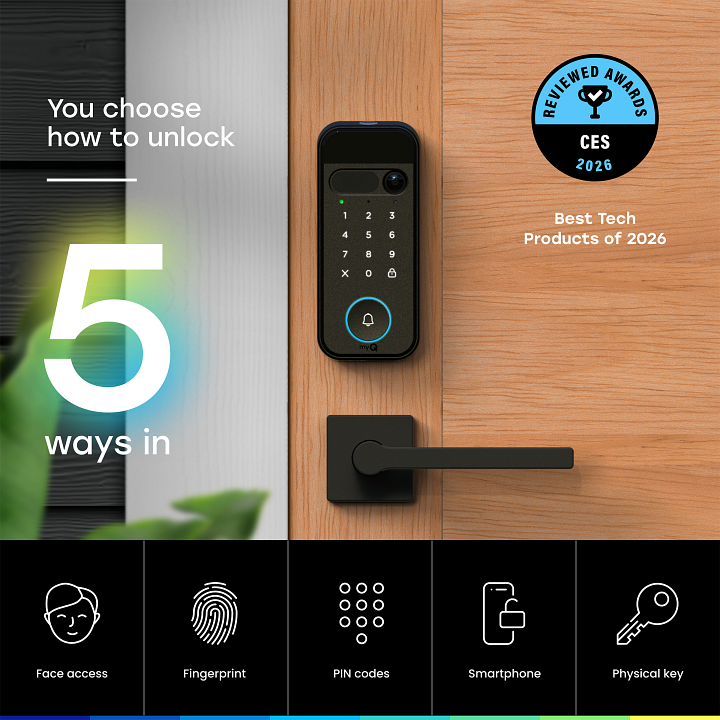
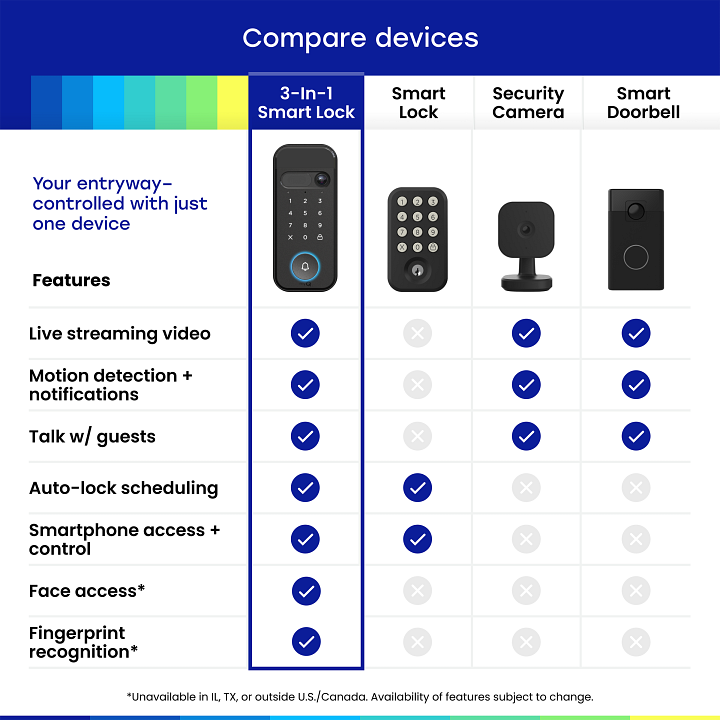
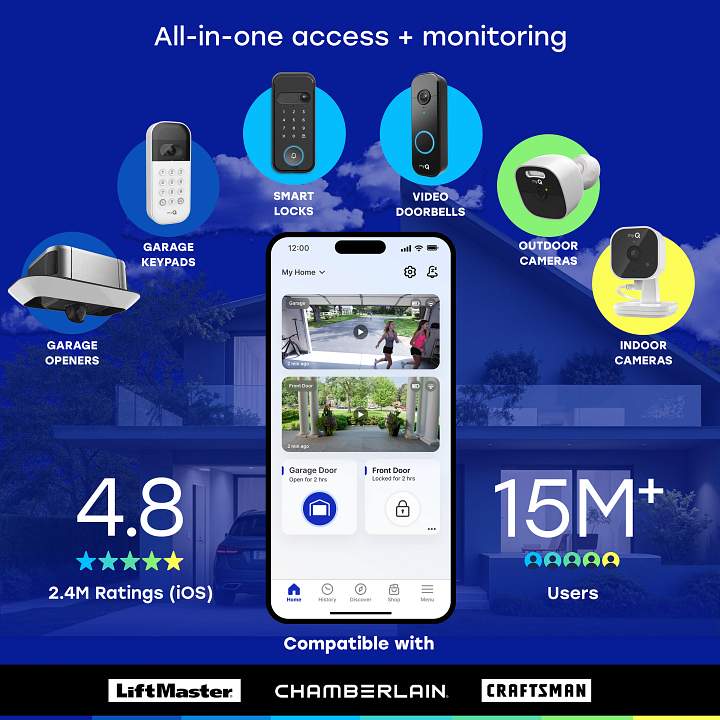


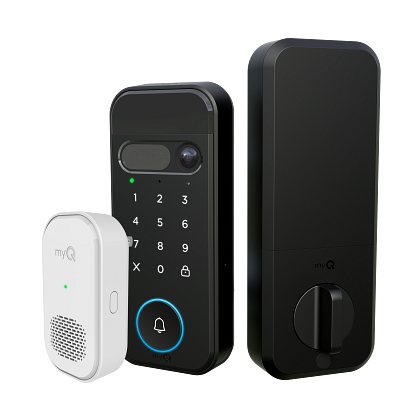
Your entire home entry system in one powerful app. Lock, unlock, view video, create and manage PINs, monitor arrivals, and talk from your doorstep.
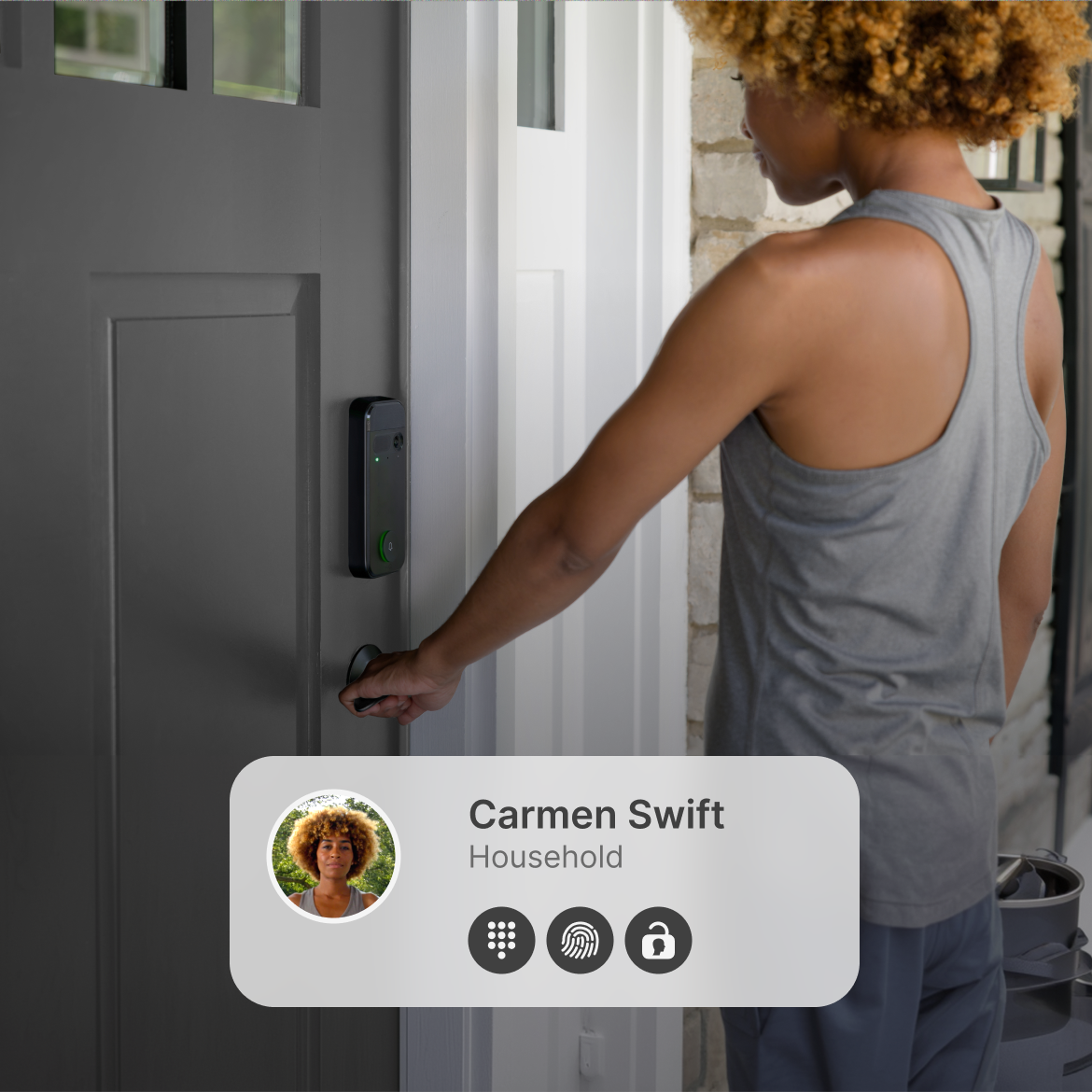
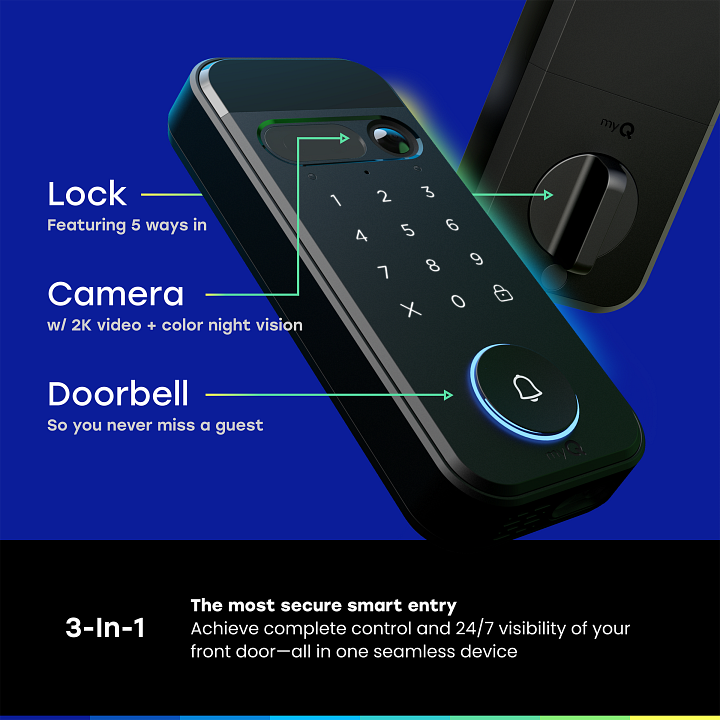
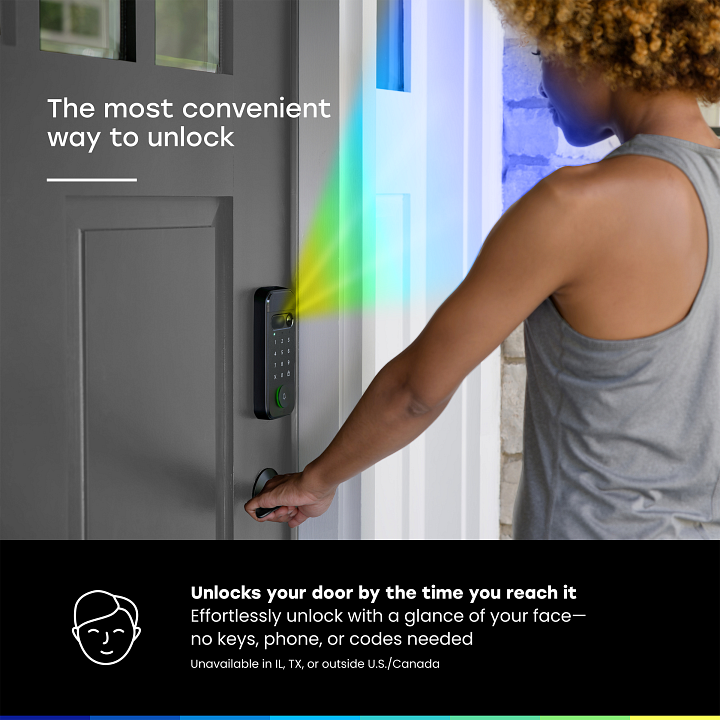
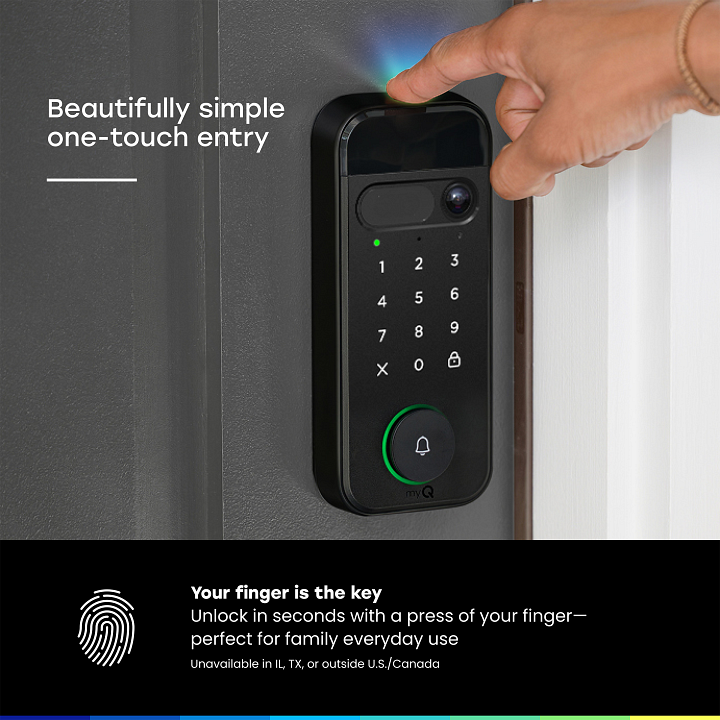
Face Access,* fingerprint,* personalized PINs, app, or key so no one's locked out, and everyone gets in their own way.
*Unavailable in IL, TX, or outside U.S./Canada.
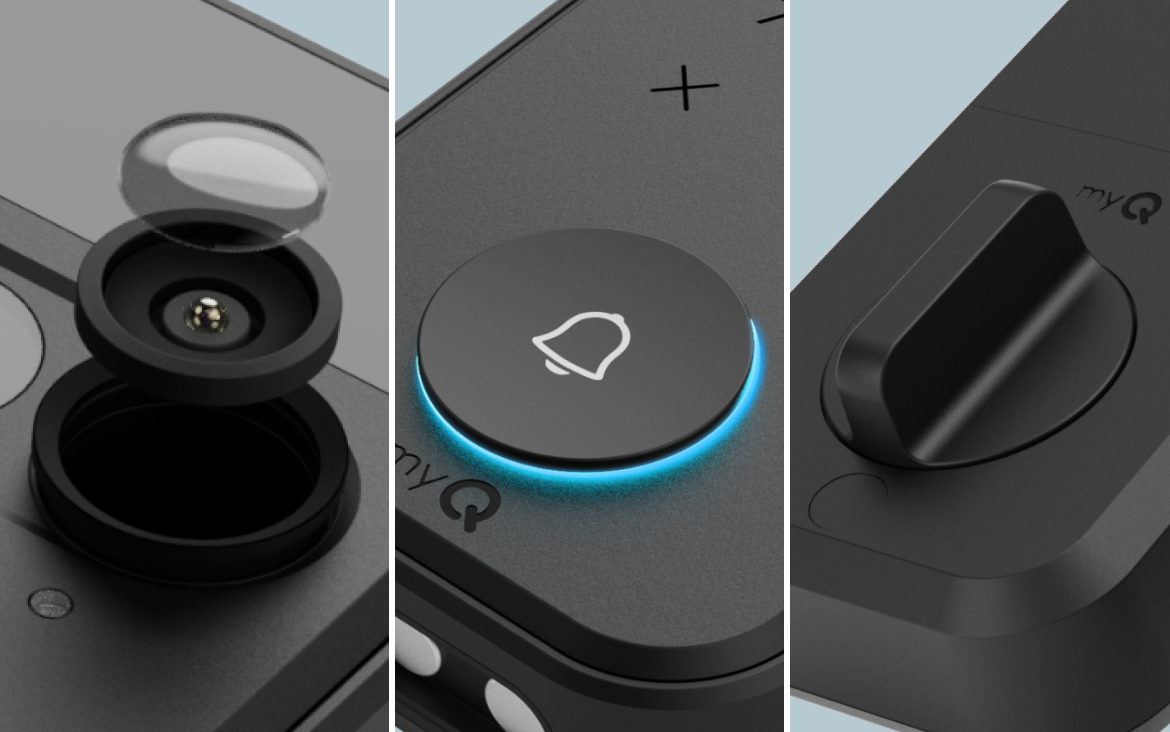
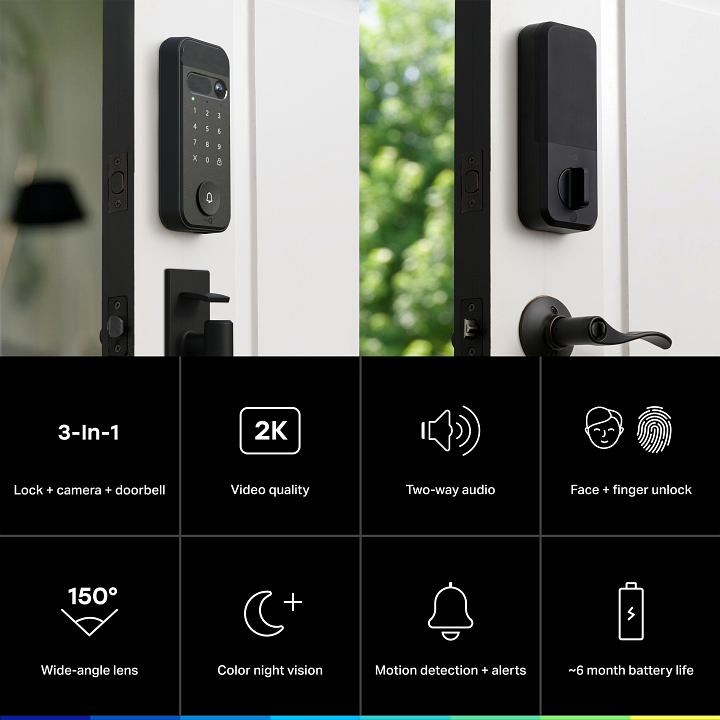
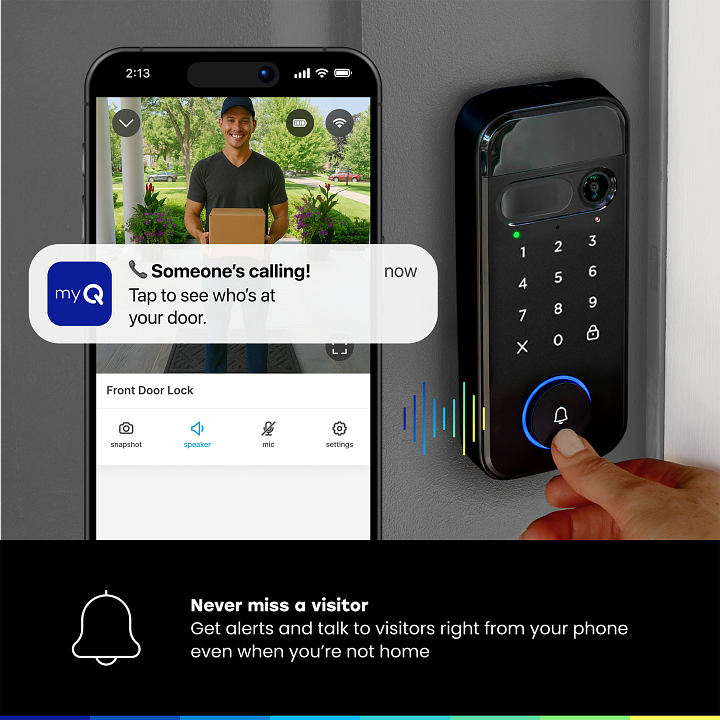
A lock, doorbell, and camera in one device so you can see, hear and speak to visitors, let someone in, or check that it's locked from anywhere. One device to install and charge with up to 6 months of battery life.
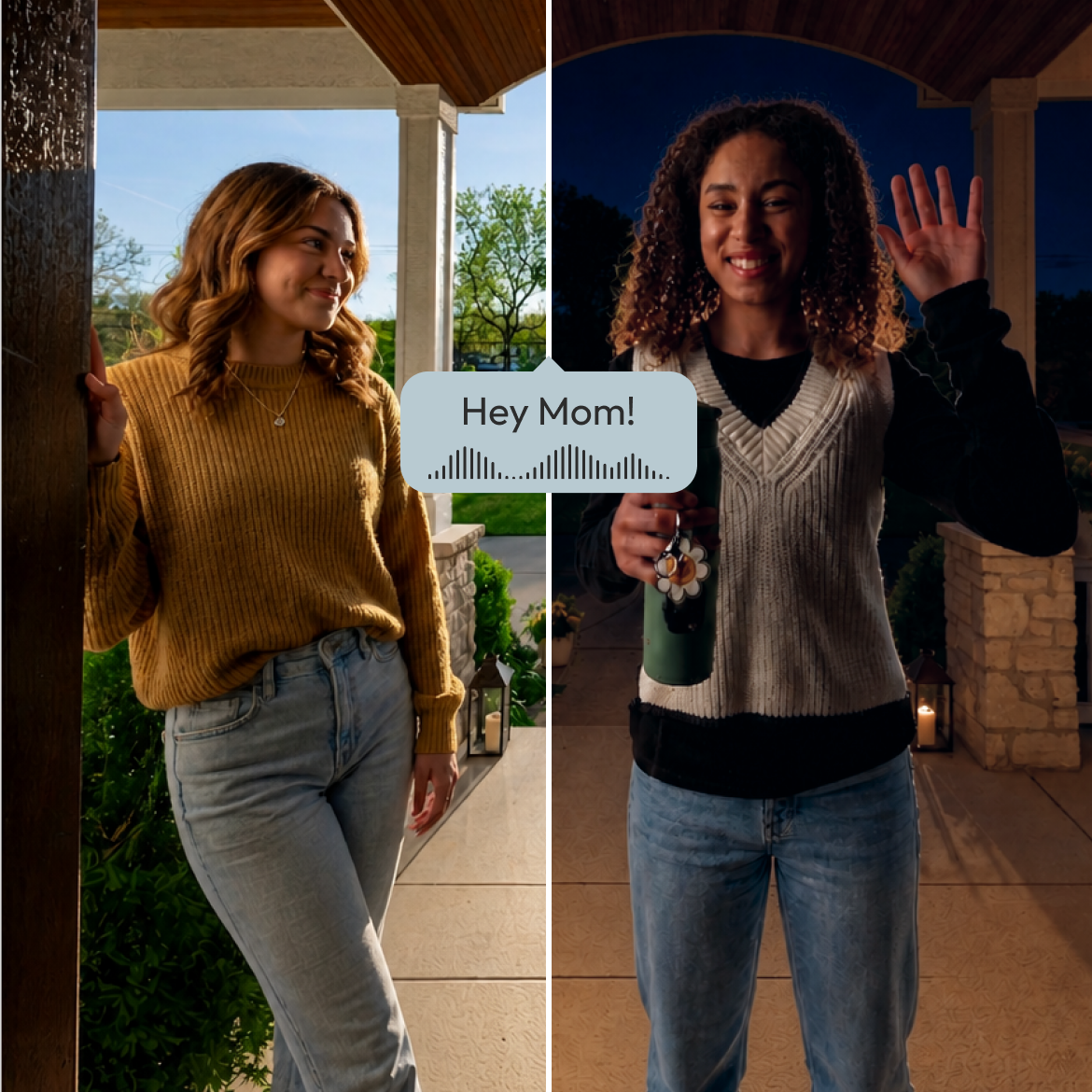
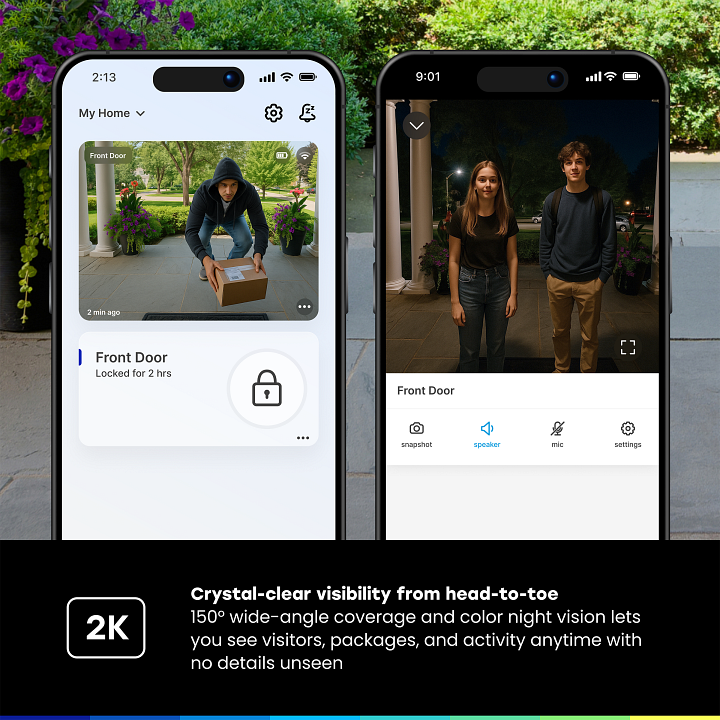
Monitor activity from at your door with 150° wide-angle video, color night vision, and two-way audio so you can speak to visitors from anywhere.
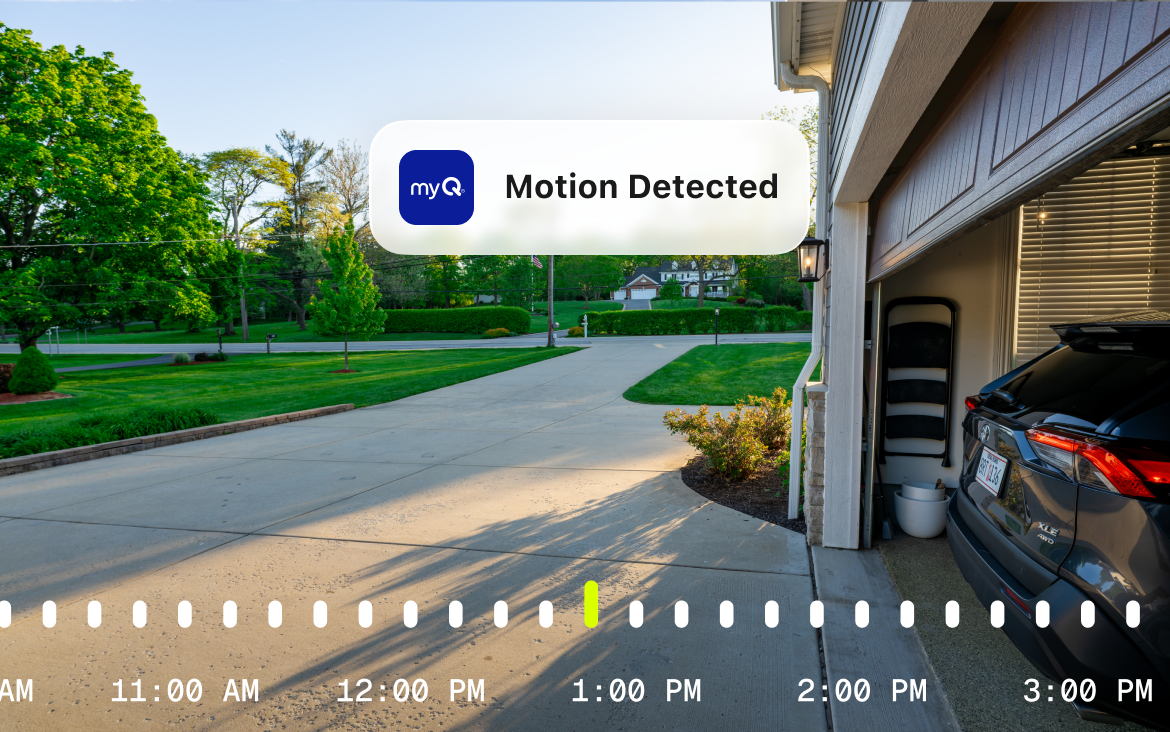
Get alerts when there's movement at your door. Check the camera and decide what to do next.
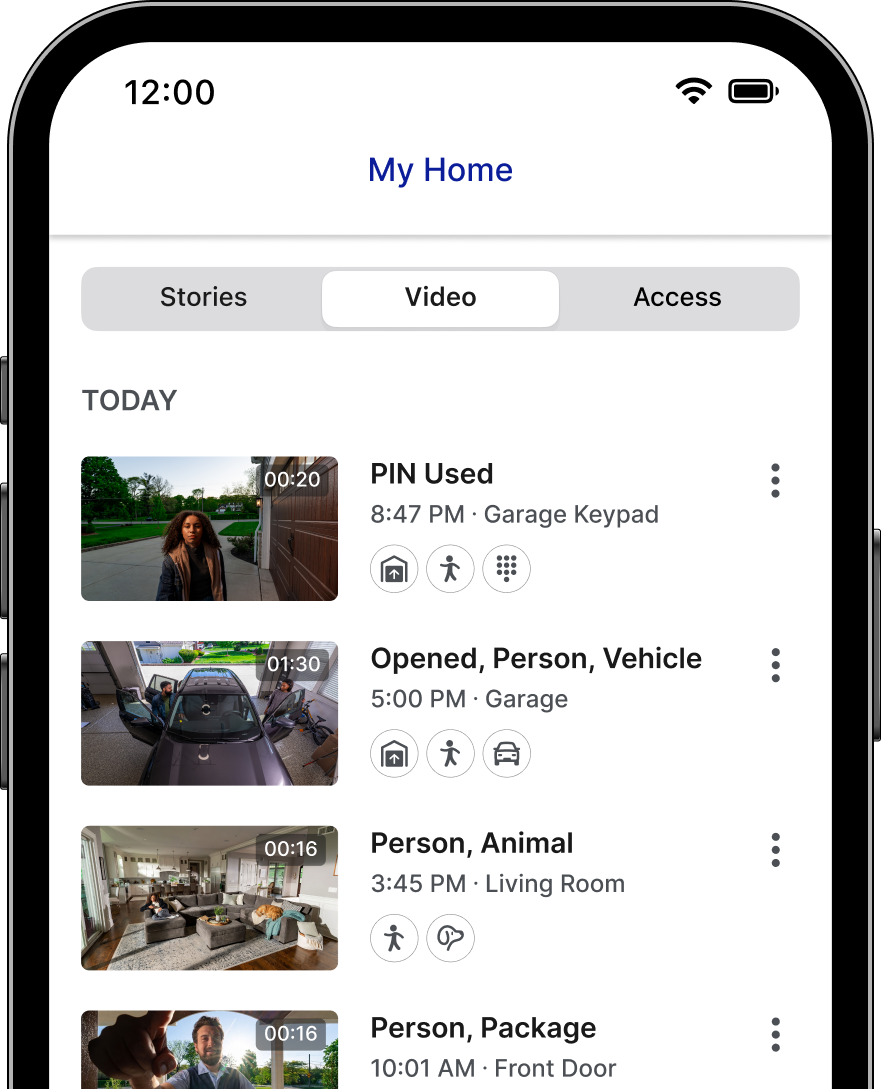
Scroll back up to 30 days of even history to catch anything you missed in real time.
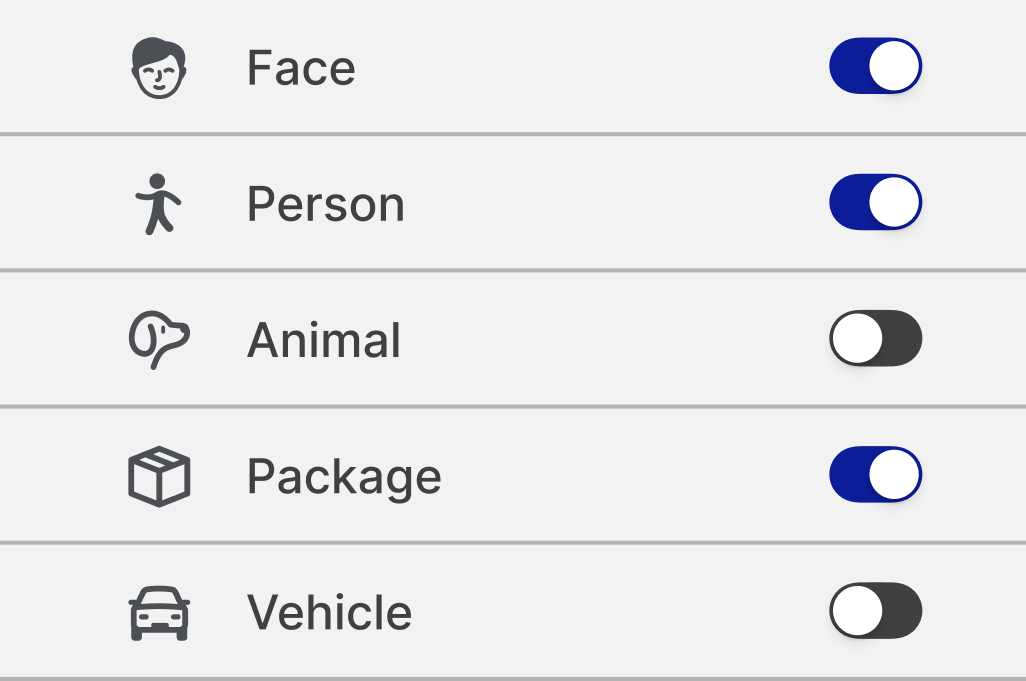
No more guessing what set off the alert. Know exactly what's at your door — person, face* vehicle, package, or animal.
*Unavailable in IL, TX, or outside U.S./Canada.
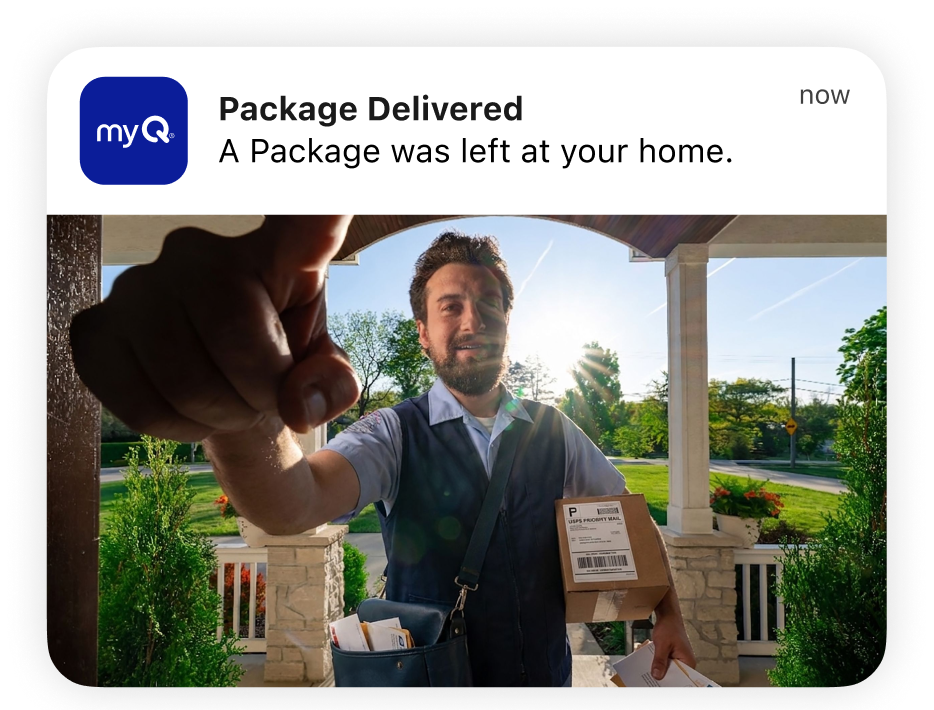
Get alerts that explain what matters - arrivals, package deliveries, mail arrivals and garbage pickup.
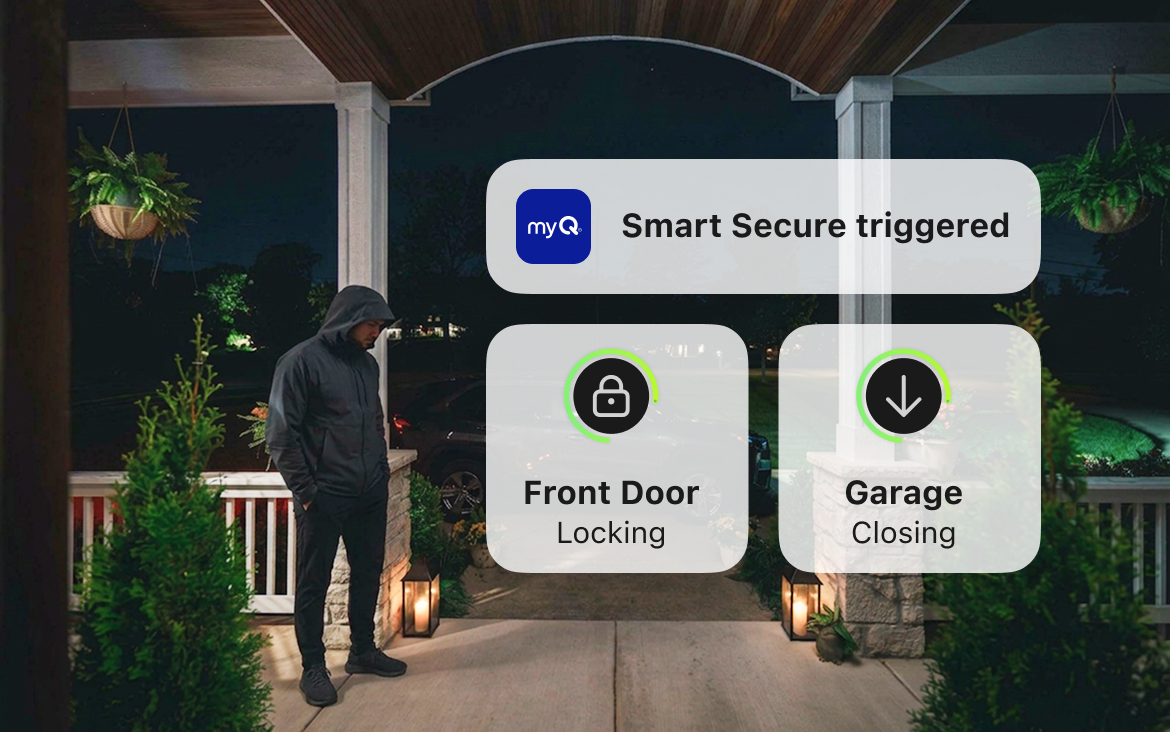
Automatically closes MyQ garage doors and engages myQ door locks when detecting an unexpected person.
Is there a subscription required?
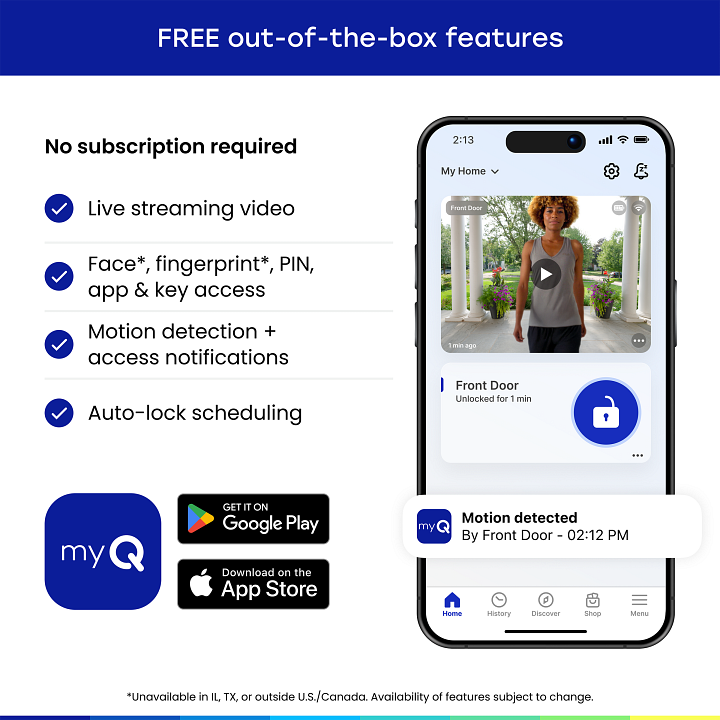
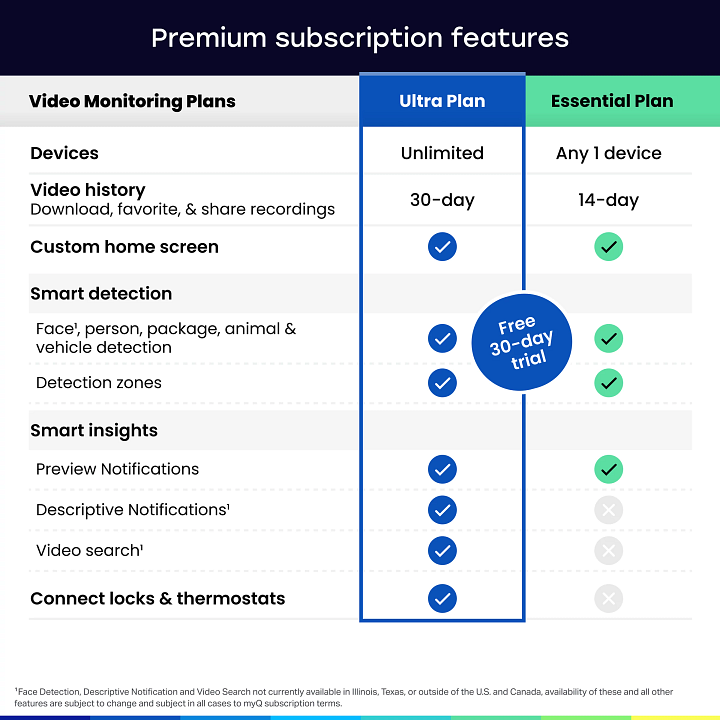
No, a subscription is not required for your camera to work after the 30 day free trial. You will still be able to stream live video through the myQ app and receive notifications when motion is detected for free. Unlock optional enhanced features with a Video Monitoring plan, such as smarter notifications driven by AI including face, person, and more to help you stay connected to home from anywhere. For further details, you can visit the monitoring plans page here.
Is the 3-in-1 Smart Lock compatible with storm and glass doors?
No, this product is a deadbolt lock designed for standard entry doors. However, it can be installed on your main door even if you also have a storm or glass door in front of it.
Does the 3-in-1 Smart Lock auto lock, and can it be programmed?
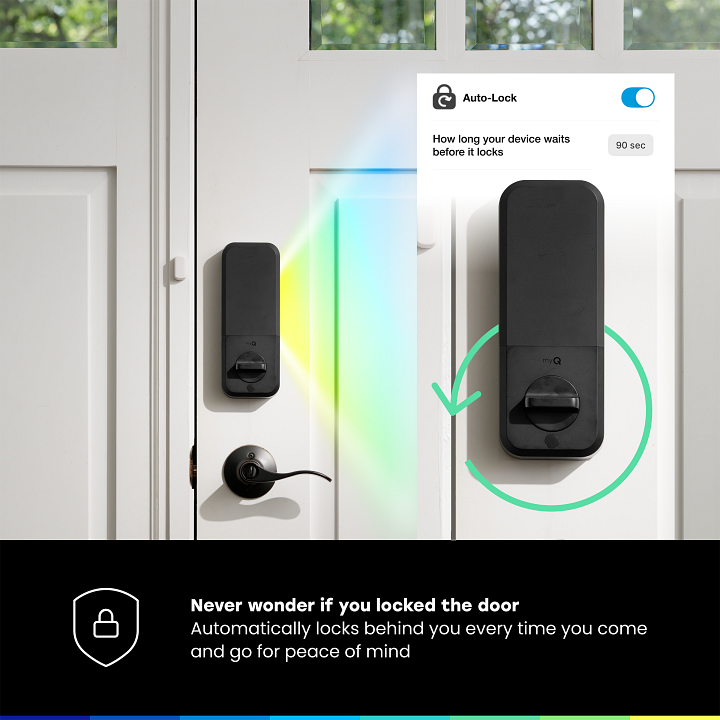
Yes, the lock includes an auto lock feature that can be enabled and adjusted in the myQ app. You can choose auto lock intervals of 30, 60, 90, 120, or 180 seconds.
Can the 3-in-1 Smart Lock be rekeyed?
Yes, the lock can be rekeyed. using a Schlage mechanical keyway.
Will the 3-in-1 Smart Lock work with doors that have a handle under the deadbolt?
Yes, the lock will work as long as the handle does not interfere with the deadbolt’s operation.
What is the power source for the 3-in-1 Smart Lock?
The 3-in-1 Smart Lock contains a rechargeable battery which can be removed and charged. Swappable standalone battery sold separately for zero downtime.
Is the 3-in-1 Smart Lock compatible with other smart home devices?
The 3-in-1 Smart Lock is compatible with all myQ Smart Products and can be be integrated with platforms such as IFTTT.
Do I need a bridge or hub to use the 3-in-1 Smart Lock?
No, the 3-in-1 Smart Lock connects directly to your home Wi-Fi network. It can then be accessed using the myQ app.
If the battery in the 3-in-1 Smart Lock is depleted, how can i access my home?
In the event of the battery being fully depleted, you can either use the physical key to unlock the 3-in-1 Smart Lock or you can connect a 9V battery to the terminal at the bottom of the device to give temporary power to the device to then use one of the credential methods to unlock the device.
Can other users of my house use the 3-in-1 Smart Lock?
Yes, you can share the device with up to 15 co-owners with individual myQ accounts so that they can create their own credentials for unlocking the device.
What doors is the 3-in-1 Smart Lock compatible with?
The 3-in-1 Smart Lock is compatible with most standard wood or metal doors.
- Bore hole diameter: 2 1/8 in (54 mm)
- Door thickness: 1 3/4 in to 2 in (44 mm to 51 mm)
- Backset (distance from door edge to center of bore hole): 2 1/8 in (54 mm)
How many credentials can be set for each myQ account?
Each myQ account user can store up to 1 PIN, 1 Face and 4 Fingerprints. A primary owner can share the device with up to 15 co-owners with individual myQ accounts so that they can create their own credentials for unlocking the device.
Does the 3-in-1 Smart Lock have a key?
Yes, the 3-in-1 Smart Lock includes 2 physical keys.
Can I access the video feed remotely?
Yes, live streaming is available for free through the myQ app, allowing you to monitor your home anytime—from anywhere. Whether you're at work or on vacation, the myQ app allows you to view your doorbell camera feed remotely over Wi Fi, giving you peace of mind wherever you are.
