


 Added to your cart
 0
0

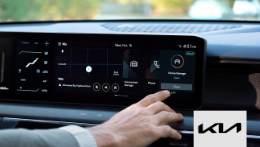
Hyundai myQ Connected Garage is available in select 2025—2026 Hyundai models, giving you the power to monitor and control your garage door from anywhere. Tailor your settings to fit your lifestyle and enjoy complete peace of mind every time you’re on the move

Easily manage your garage door remotely through your Hyundai’s touchscreen display and simplify every trip with smart geofence technology that automatically opens and closes your garage as you arrive and leave.
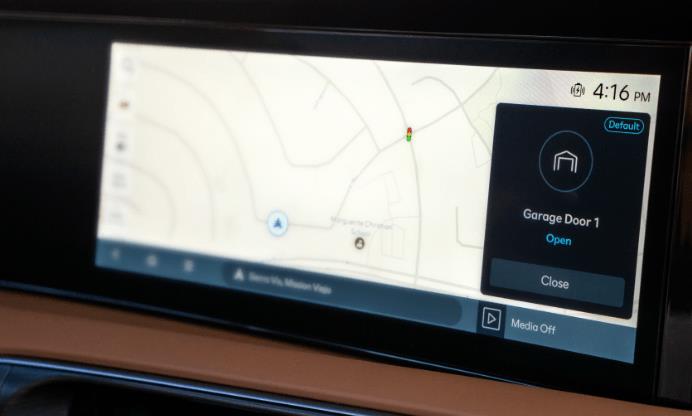
If auto-close is interrupted and the garage door remains open, drivers receive a notification so they can close it remotely.

Maintain full control of your garage door, no matter what direction you’re going. When you’re backing out and the backup camera takes over your screen, you can still close your garage—no need to wait to shift out of reverse.

With your Hyundai myQ geofence feature enabled, the garage detects when you’re clear, and begins to close automatically—getting you on your way without delay.

By activating Valet Mode in your Hyundai, you can help protect your home and your privacy. Valet Mode disables your Hyundai myQ Connected Garage access and locks your personal settings when someone else drives your car. You can even activate remotely using the MyHyundai with Bluelink app.

Whether you’ve just left home or miles away, Hyundai myQ lets you check and control your garage door right from your vehicle’s touchscreen. It offers a simple, convenient way to manage your garage—just a quick tap keeps things secure without disrupting your drive.

Compatible
Hyundai vehicle

MyHyundai with Bluelink App

myQ app

Wi-Fi compatible
garage opener
Do you have a myQ connected garage?
Link myQ to Hyundai Bluelink Services
Be sure your vehicle is parked safely just outside of your garage and follow the steps on your Hyundai touchscreen display.
Navigate to ‘Connected Garage’ from your touchscreen app menu.

Scan the QR code
The MyHyundai with Bluelink App will launch, be sure you’re logged in. Then the linking to myQ begins. Once linking is completed, you can start your free trial.

Congratulations, you’re all set up!
You’ll be able to see all your connected garage doors on your ‘Connected Garage’ app on your touchscreen and customize your settings based on your lifestyle
Start enjoying in-vehicle control!

Link myQ to Hyundai Bluelink Services
Be sure your vehicle is parked safely just outside of your garage and follow the steps on your Hyundai touchscreen display.
Navigate to ‘Connected Garage’from your touchscreen app menu.
Scan the QR code
The MyHyundai with Bluelink App will launch, be sure you’re logged in. Then the linking to myQ begins. Once linking is completed, you can start your free trial.
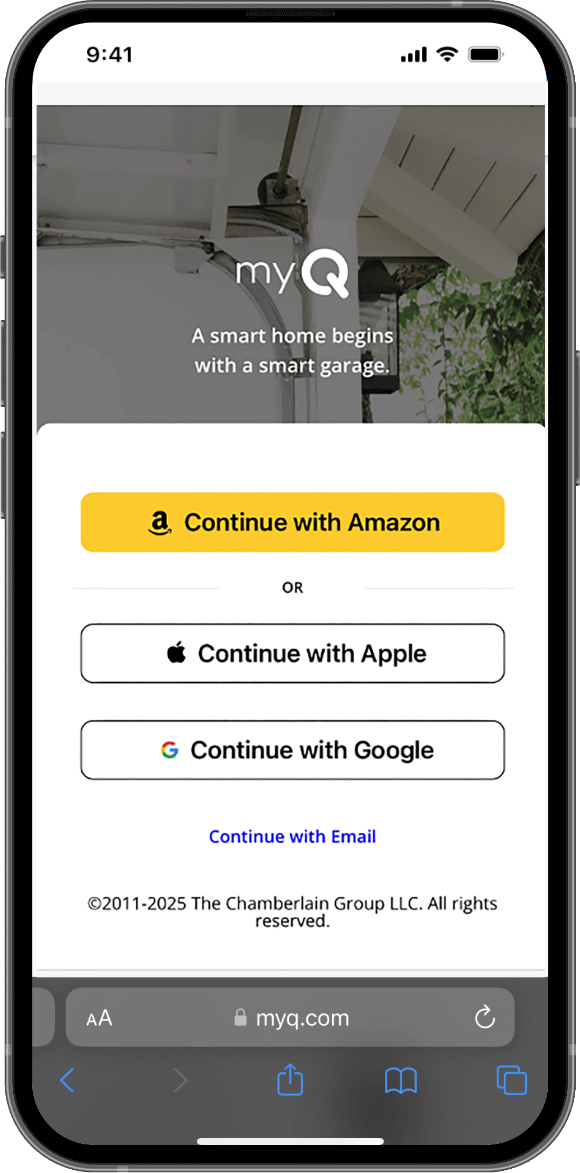
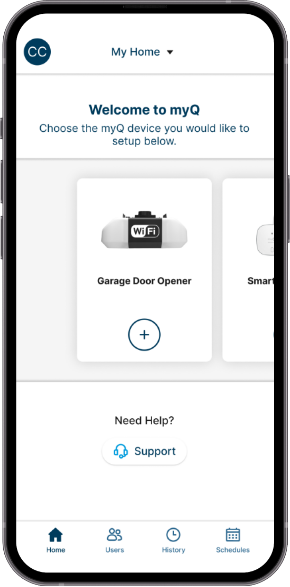
Download the myQ app
Download the myQ app. Available in the Apple App Store or Google Play.
Register and follow the instructions inside the app to complete your set up
Check your garage door opener’s compatibility
Follow the instructions from the Compatibility Tool in the myQ app
For non-compatible garage door openers, you’ll be able to get your garage door connected with a discounted Smart Garage® Control hub when you use the MyHyundai with Bluelink App to link your Hyundai and myQ accounts.
Connect your garage
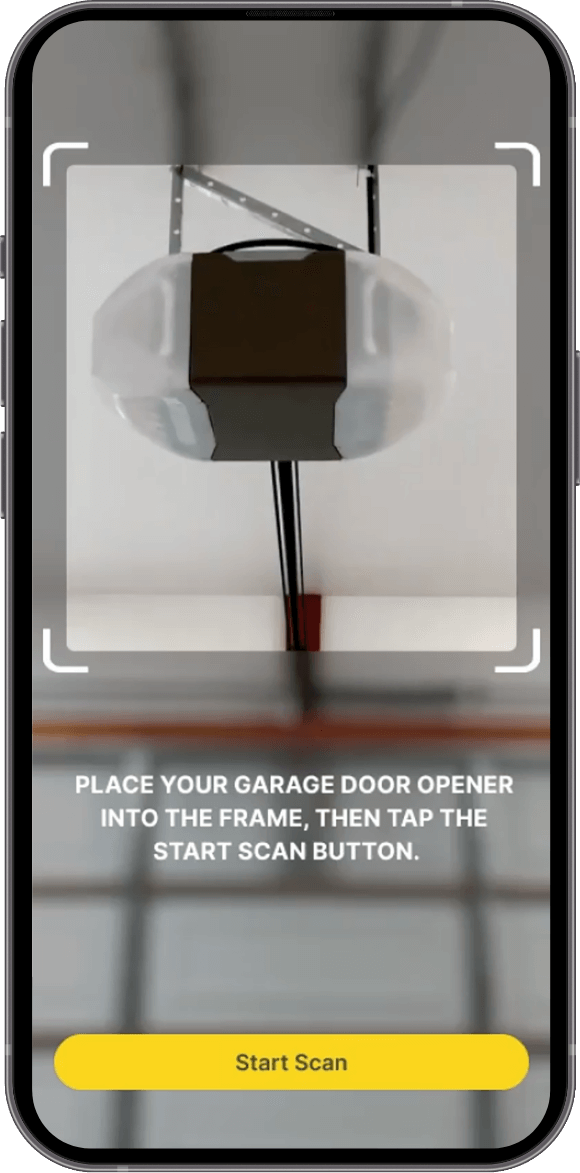
If you’ve already connected your Wi-Fi garage opener to myQ, skip this step, or connect it now.
If you obtained a new myQ Smart Garage® Control or Wi-Fi garage opener, use the myQ app and connect to it now.
Congratulations, you’re all set up!
You’ll be able to see all your connected garage doors on your ‘Connected Garage’ app on your touchscreen and customize your settings based on your lifestyle
Start enjoying in-vehicle control!
Hyundai myQ CONNECTED GARAGE:
Hyundai myQ Connected Garage is available only on vehicles with a ccNC head unit. Hyundai and myQ accounts are required to activate your myQ-enabled garage door opener. This feature depends on various other factors in the vehicle such as LTE network coverage to transmit data. Coverage not available everywhere. Certain services may collect location information and data usage applies. Hyundai terms and conditions apply.
Hyundai myQ Connected Garage is subject to a functioning link between Hyundai and myQ accounts, as well as myQ systems availability. Speed of the network communication is dependent on the systems and LTE network coverage.
For a special promotional period until supplies last, when you activate MyHyundai with Bluelink Services and connect myQ Garage in your vehicle’s touchscreen app menu, you will be eligible for a myQ Smart Garage Control for $0.99, provided by Chamberlain Group LLC.
Hyundai myQ Connected Garage is available in the U.S.

There are three service plan options available:
3 months free trial
Annual/$45
3 years/$129
4 years/$179
Your Hyundai myQ Connected Garage trial and subscription includes multiple Hyundai vehicles. Your free trial does not require a credit card.
For more support articles, please visit our dedicated Hyundai Support Site.
