myQ SecureView 3-in-1 Smart Lock
A smart lock, video doorbell, and security camera in one sleek device with clear 2K HDR.
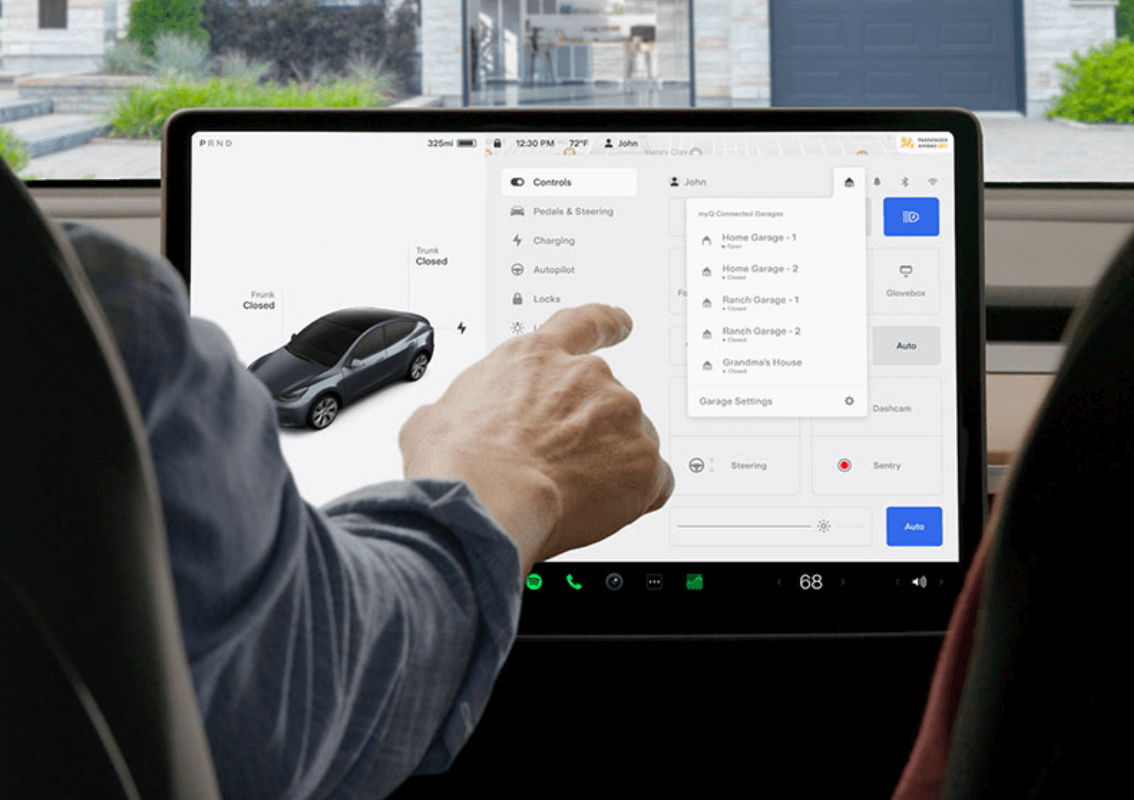
With myQ smart technology, ALL Tesla Model 3, Model Y, Cybertruck and 2021+ Model S and Model X have the power to automatically open and close the garage whether you're coming home or heading out. Get started right from your Tesla touchscreen and try myQ Connected Garage with a 30-day free trial!

Geofenced open and close allows automatic, hands-free control of your garage. You can even set your preferred geofence distance for your garage to open automatically.

Never wonder if you left your garage door open again. Open, close and monitor your garage door—safely from your touchscreen.

Your single myQ subscription works across multiple Tesla vehicles. No matter how large your fleet gets everyone can be connected to the smart garage for seamless access. Your subscription can even be transferred to another Tesla during its term.

With myQ Connected Garage you can see the status of every garage door that’s connected to your Tesla. Your myQ will know not to close an already open garage door so there’s no confusion when you arrive home.

Compatible Tesla vehicle

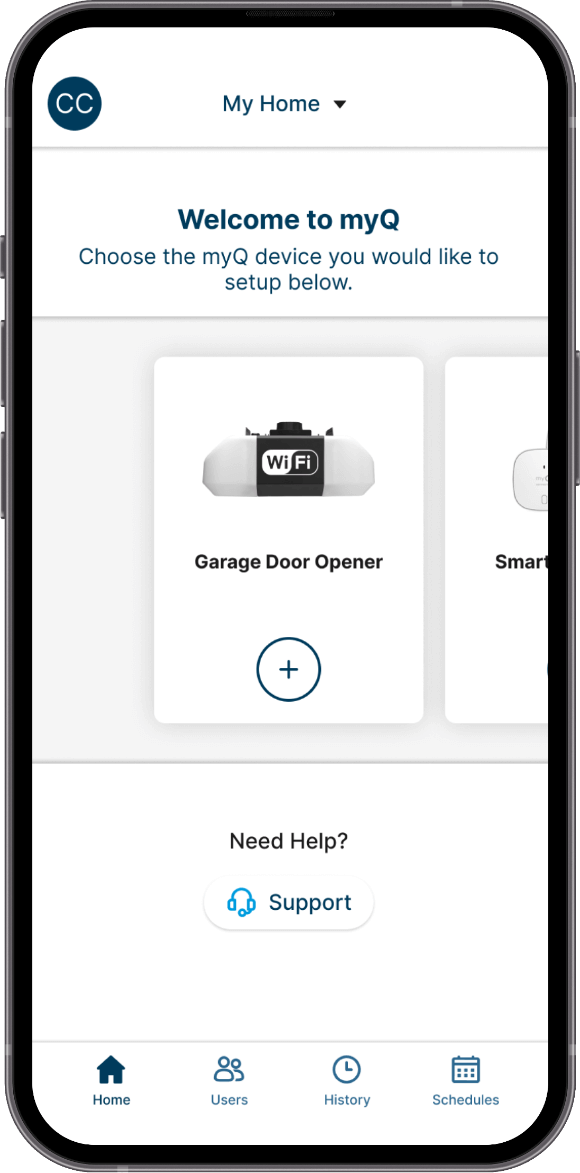
myQ app

Wi-Fi compatible
garage opener
Do you have a myQ Connected Garage?
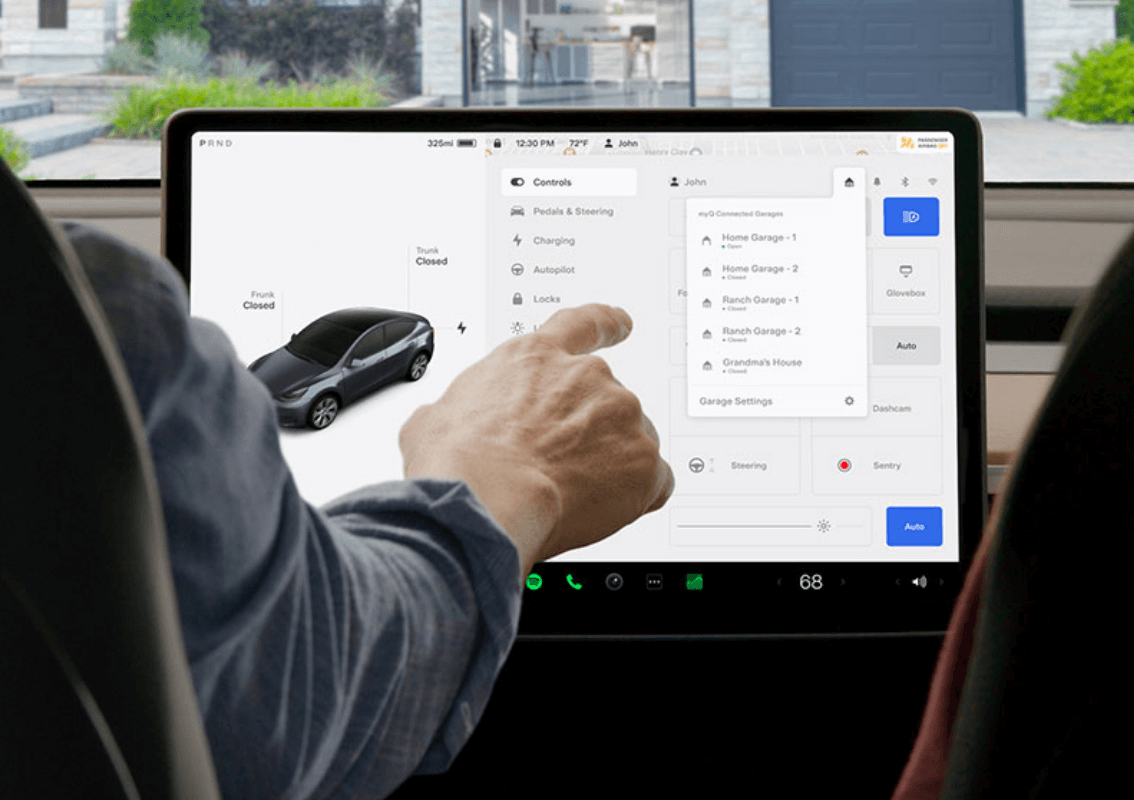
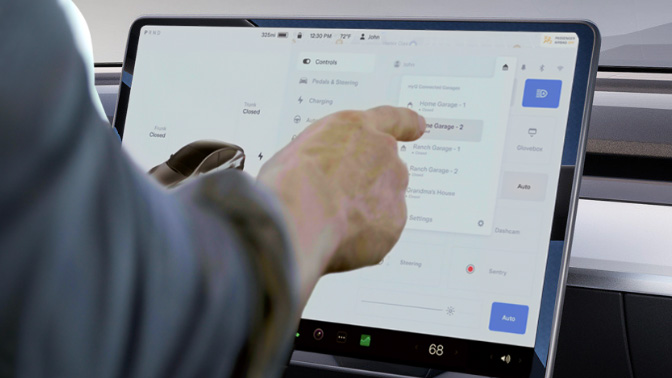
myQ Connected Garage
 |
Automatic open and close |
|
Monitor & control your garage from anywhere |
|
Immediate close without beeping and flashing |
|
Immune to Wi-Fi grey zones |
|
Supports multiple Tesla vehicles with one subscription |
|
Includes FREE Smart Garage Control ($29.99 USD value) – just pay $0.99 USD handling |
myQ App
 |
Monitor & control your garage from anywhere |
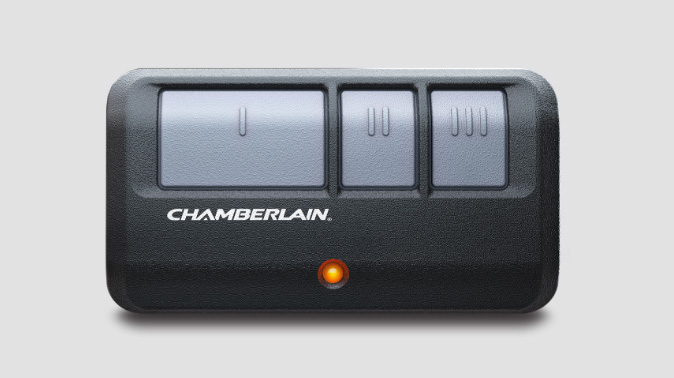
Garage Remote Control
|
Control your garage from your driveway |
|
Immediate close without beeping and flashing |
|
Immune to Wi-Fi grey zones |

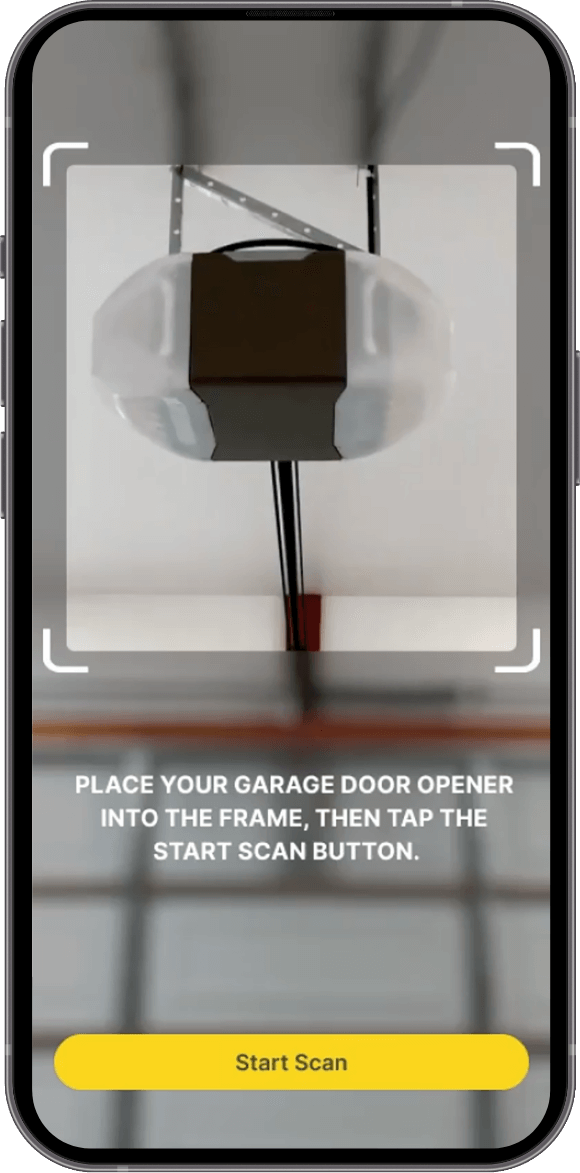
This article will provide step-by-step guidance on how to link Tesla to myQ Connected Garage
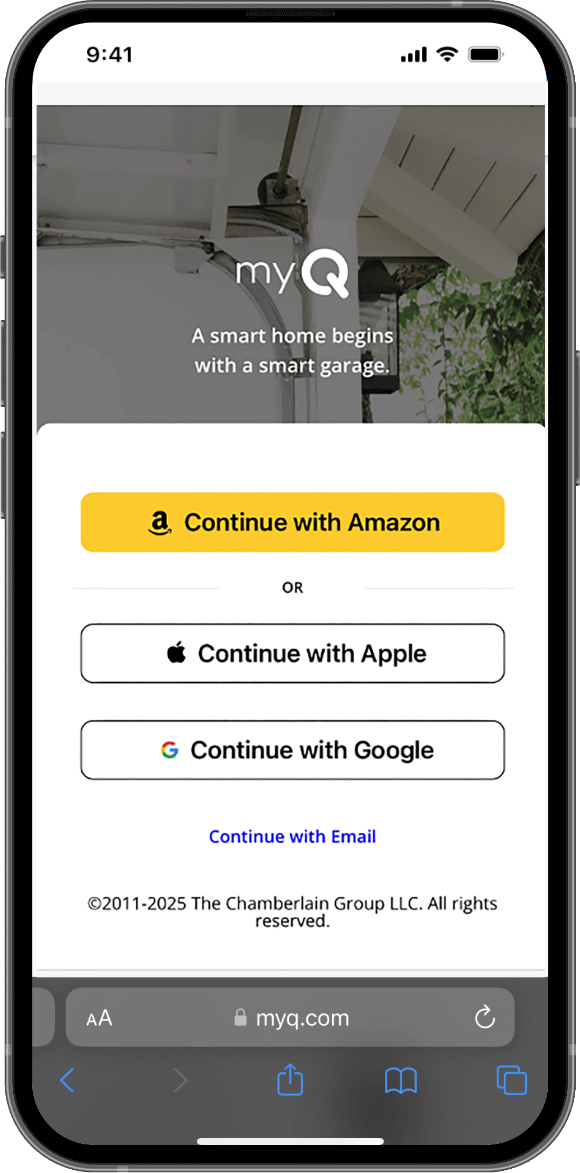
Prior to linking, please ensure you have an active myQ account with active myQ devices, and you are signed in to your myQ app.
On your Tesla center touchscreen, complete the following:


All Tesla Model 3, Model Y, Cybertruck and 2021 + Model S and Model X.
There are three service plan options available:


Note: If you wish to hear a Chime when the Auto-Open/Auto-Close feature is activated, enable the feature on the bottom/left of your myQ Connected Garage screen

For more support articles, please visit our dedicated Tesla Support Site.