
Scheduling management

Streamline scheduling with a single, easy-to-use dashboard

Simplify scheduling and facility access

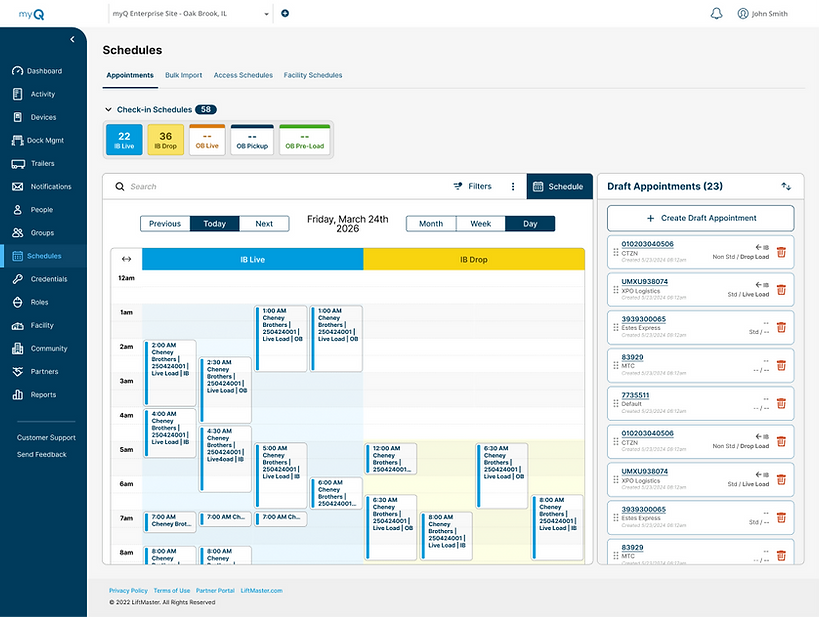
Manage appointments, facility schedules, and capacity limits from a single connected dashboard

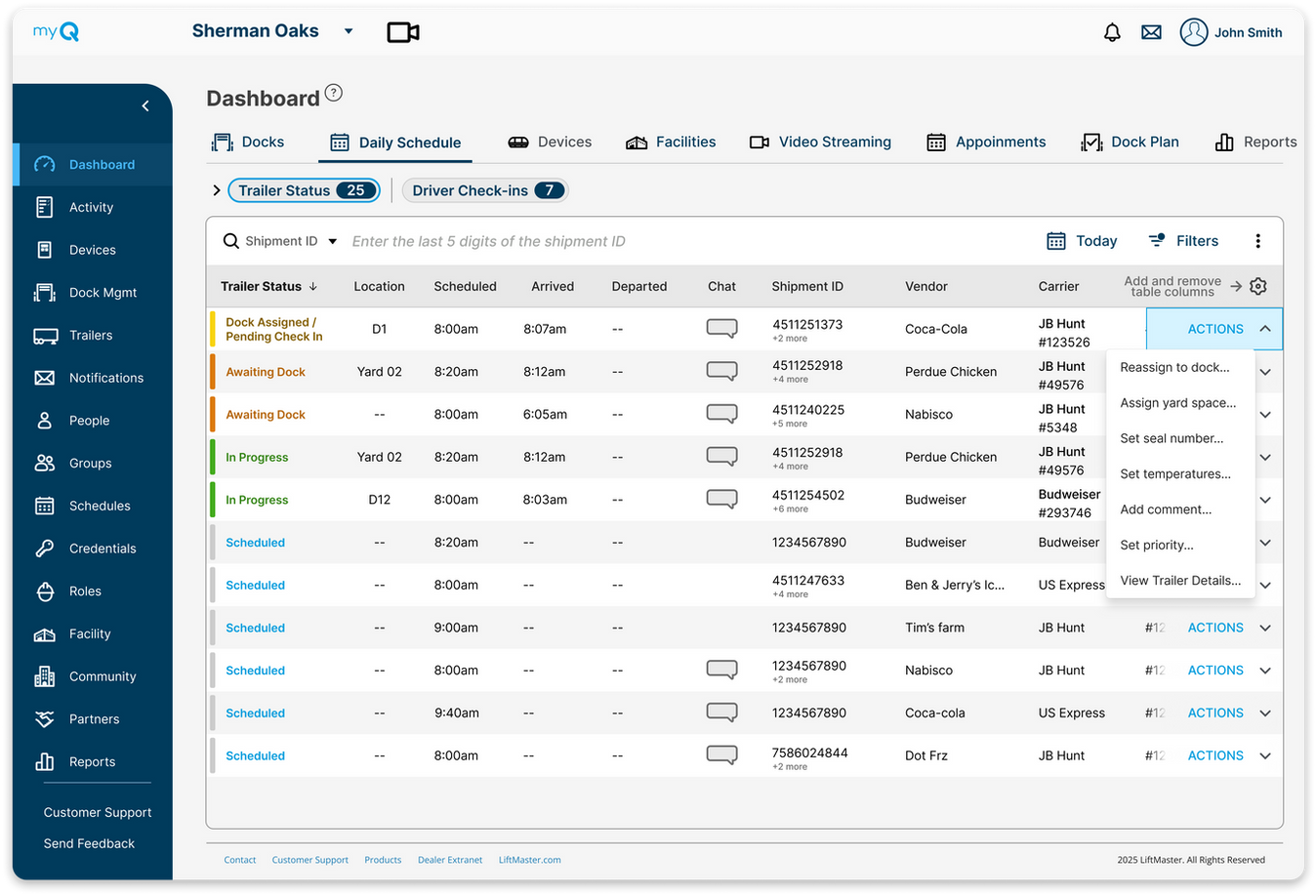
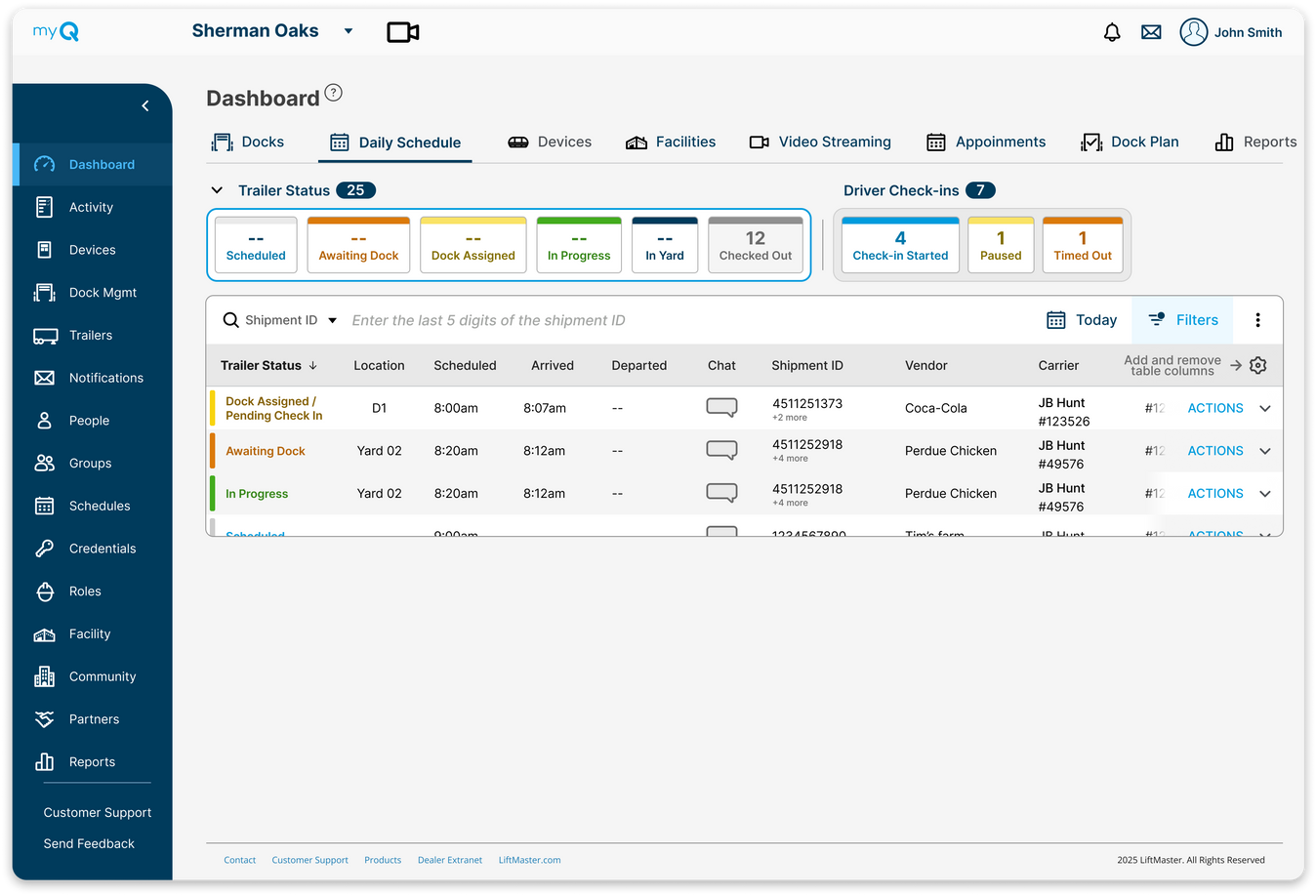
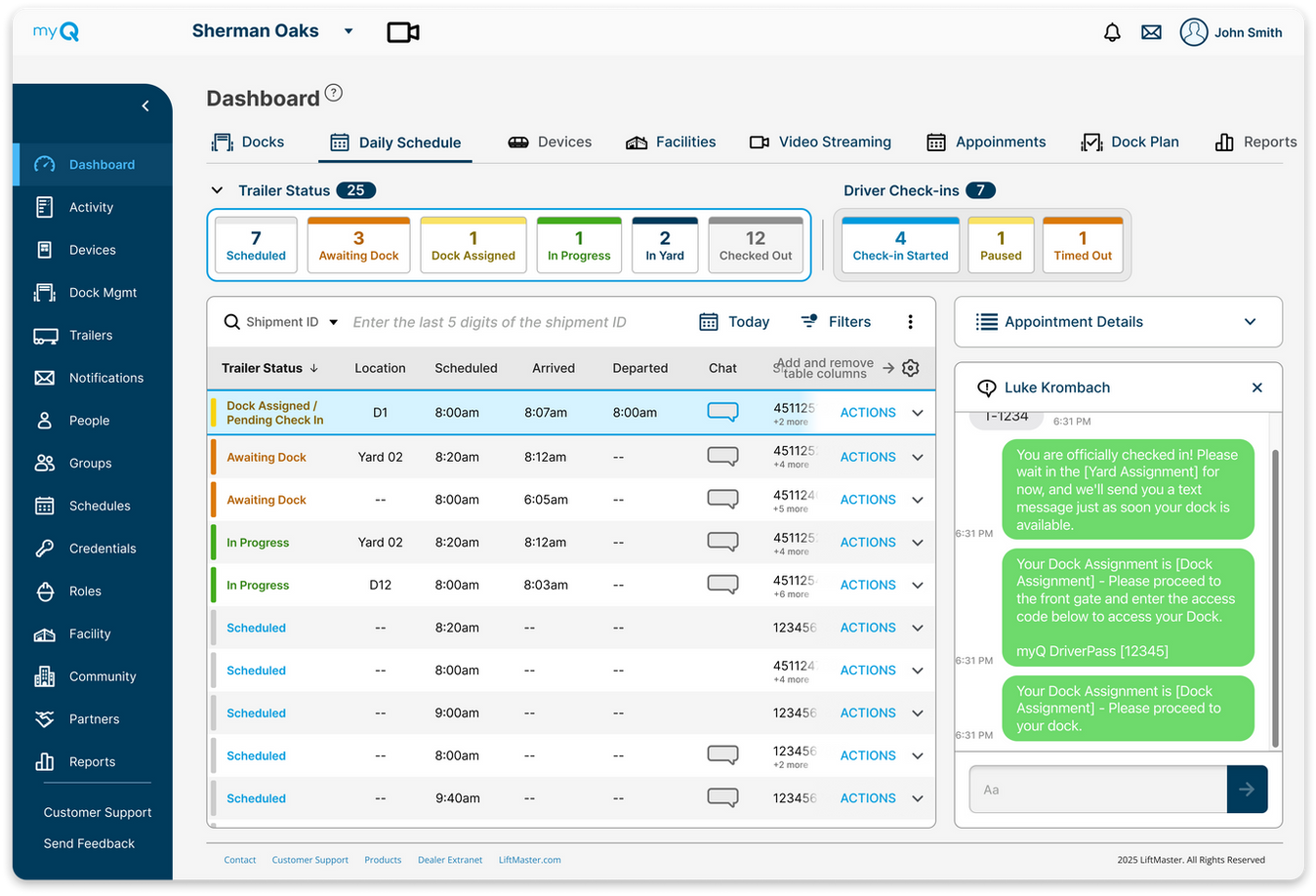
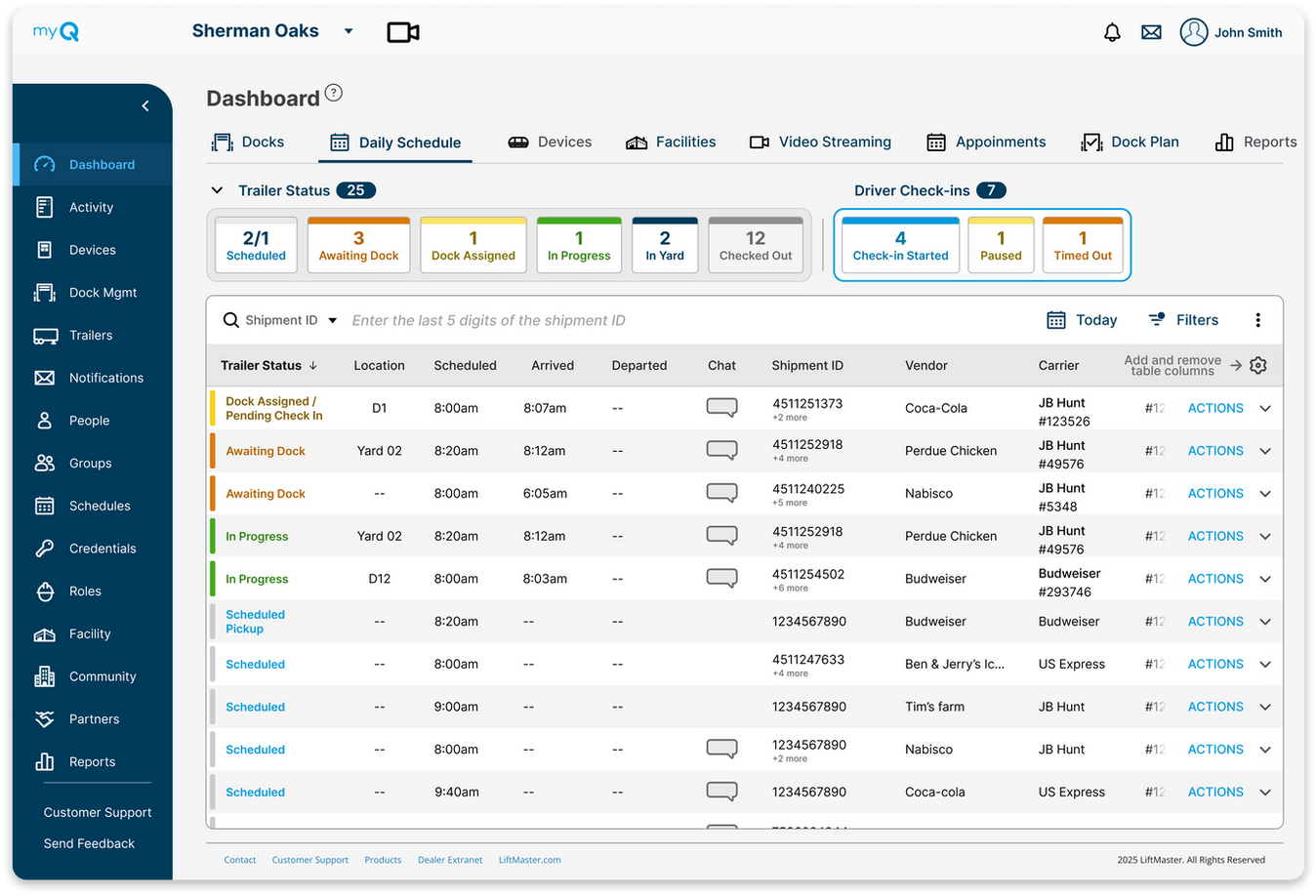
myQ enterprise Appointment Scheduling Dashboard Interface
Appointment scheduling icon

Appointment scheduling

Coordinate trailer arrivals and identify load types in advance to keep operations moving efficiently.

  • Reduce backups
  • Minimize yard time
Scheduling rules icon

Scheduling rules

Control appointment volume with configurable hours and capacity settings.
  • Configure custom schedules by shipment type
  • Configure custom capacity rules by vendor
  • Facility closure overrides for holiday's and other events
  • Shift and day level capacity for appointment scheduling
  • Customized appointment guidelines delivered for every facility
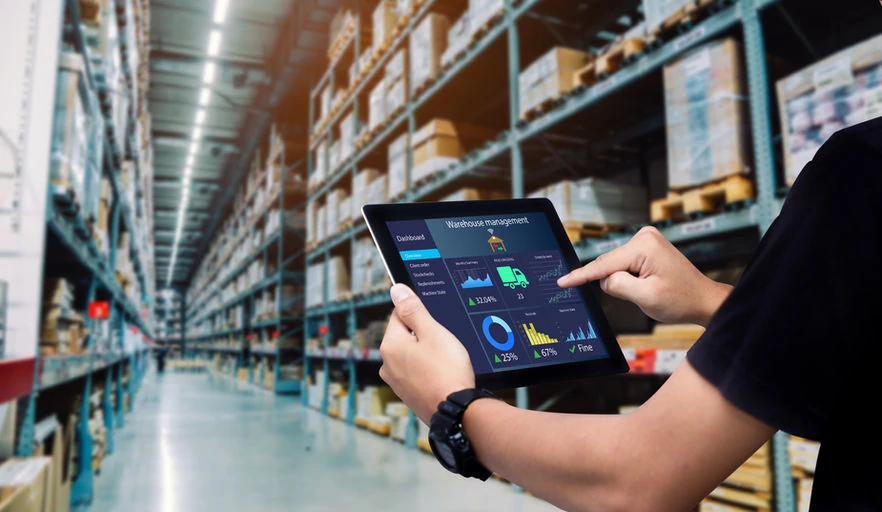
Real-time dock and trailer scheduling operations display
Facility management metrics and capacity track dashboard
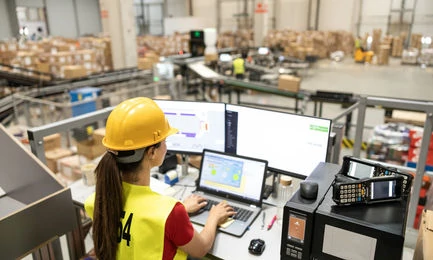
Team members managing warehouse inventory schedule
Appointment scheduling and yard management dashboard overview

Appointment visibility

Integrate appointments from your many sources into a single system so your staff has near-time visibility of your operations.

Scheduling rules icon

Seamless integration

Connect the tools you already use to streamline workflows and improve coordination across your facility.

  • Reduce manual processes
  • Centralize facility data

Frequently asked questions

myQ Scheduling & Check-In is a digital appointment and arrival management solution within the myQ Enterprise platform. It enables seamless scheduling and driver check-in using SMS and mobile web, no hardware required. Organizations can deploy quickly and scale into full facility automation over time.
The solution includes Scheduling Management, Scheduling Portal, Schedule Agent, and Digital Check-In.
  • Centralized scheduling + self-service booking
  • AI-powered email scheduling + mobile check-in
Together, these create a unified, end-to-end appointment workflow.
The module improves visibility, efficiency, and user experience across the appointment lifecycle.
  • Self-service scheduling and automated coordination
  • Fast, hardware-free deployment
This reduces manual work and streamlines operations.
Many facilities rely on fragmented tools like email, spreadsheets, and phone calls.
  • Limited visibility into arrivals and inconsistent processes
  • Low adoption from external partners
These challenges create inefficiencies and poor coordination.
myQ replaces manual communication with automated, structured workflows.
  • Self-service portal
  • AI email handling
  • SMS updates
This ensures clear, real-time communication between drivers, partners, and internal teams.
Each component removes manual steps from scheduling and arrival processes.
  • Automated booking, reduced email coordination, and mobile check-in
This saves time, reduces workload, and scales efficiently across locations.
Cost savings come from reduced labor, no hardware requirements, and fewer errors.
  • Less manual coordination and no infrastructure investment
This lowers operational costs while improving accuracy.
myQ integrates with WMS, TMS, ERP systems, and other scheduling platforms.
  • Supports APIs, bulk imports, and multi-tenant environments
This ensures seamless data flow and a unified operational view.
myQ combines scheduling, check-in, and communication into one system.
  • No hardware required and flexible deployment
  • Scales into full facility automation
This provides both immediate value and long-term growth.
Software-only deployments can be configured and launched in days with minimal IT involvement. No hardware or complex infrastructure is required. Teams can start quickly and expand capabilities over time.
Drivers receive SMS or mobile web instructions to check in upon arrival.
  • Confirm details, receive directions, and trigger notifications
The process is fast, self-service, and requires no app download.
Yes, each location can customize workflows, messaging, and scheduling rules.
  • Tailored check-in experiences and operational settings
This allows flexibility while maintaining consistency across the platform.
The system supports multiple check-in options to accommodate all drivers.
  • SMS, mobile web, or on-site kiosk (if available)
This ensures no driver is excluded while maintaining a consistent process.